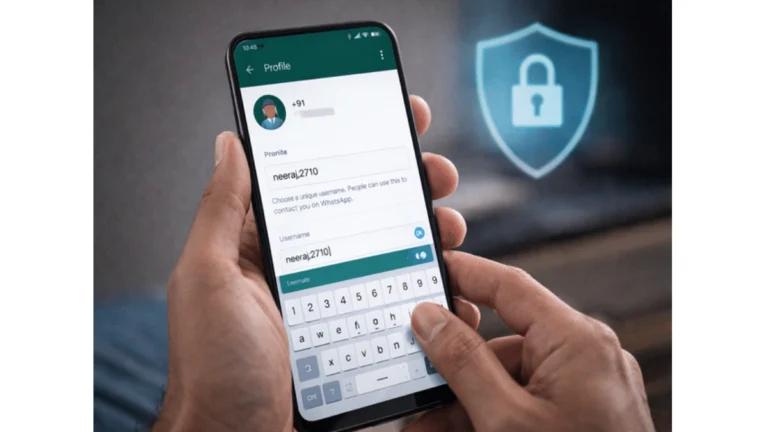
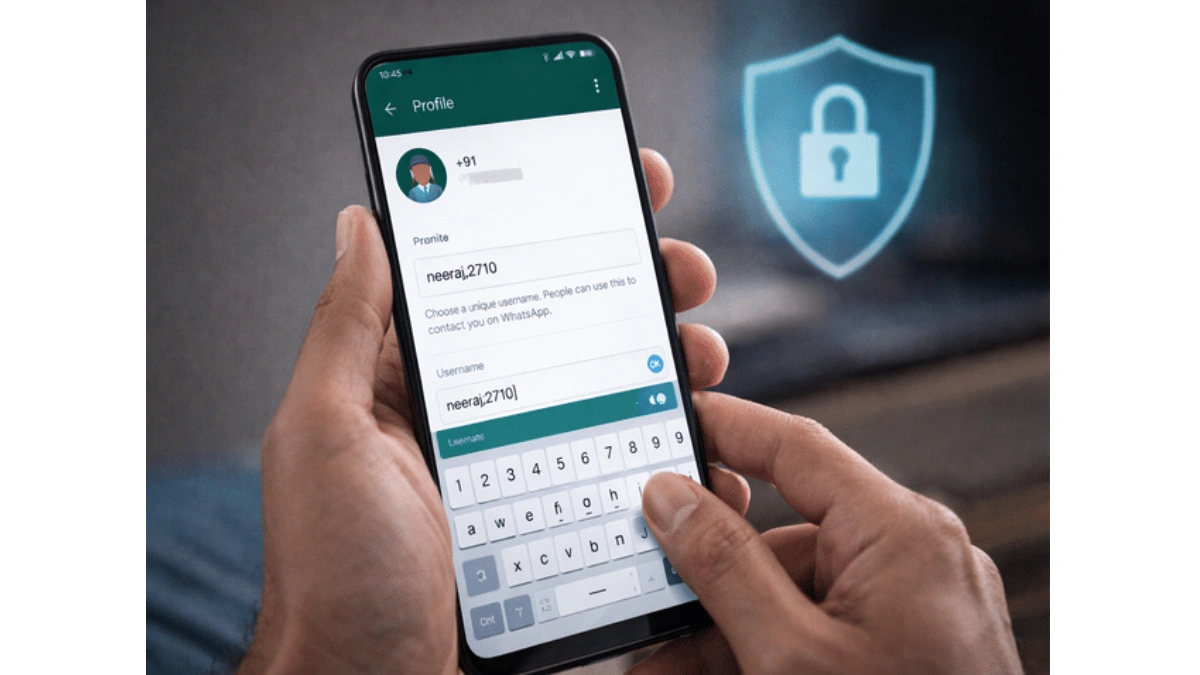
WhatsApp Username Feature
WhatsApp is taking a big step toward improving user privacy with the rollout of its much-awaited username feature. This new update allows users to connect and communicate without revealing their personal phone numbers—a move that aligns the platform with modern privacy standards followed by other messaging apps.
For years, WhatsApp has required users to share their mobile number to start a conversation. While this system worked well for identification, it also raised concerns about privacy, spam, and unwanted contact. With the introduction of usernames, users will now have more control over who can reach them and how.
What Is the Username Feature?
The new username feature allows you to create a unique ID that others can use to find and message you. Instead of sharing your phone number, you can simply share your username—making interactions more secure and convenient.
This feature works similarly to platforms like Telegram, where usernames act as a digital identity. Once enabled, your username becomes your primary point of contact, reducing the need to expose sensitive personal information.
How to Get Early Access
Currently, WhatsApp is rolling out this feature gradually, which means not all users will see it immediately. However, if you’re eager to try it before the official release, you can attempt to join the beta program.
Here’s how you can access the beta version:
- Open the Google Play Store
- Search for WhatsApp
- Scroll down to find the “Join Beta” option
- Tap to enroll (if slots are available)
- Update the app to the latest beta version
Once you’re part of the beta program, you may receive the username feature earlier than other users. Keep in mind that beta features can sometimes be unstable or incomplete.
Steps to Set Your Username
When the feature becomes available on your device, setting up your username is simple and takes only a few minutes:
- Open WhatsApp
- Tap on the three-dot menu in the top-right corner
- Go to “Settings”
- Tap on your profile section
- Look for the “Username” option
- Enter your preferred username
- Save the changes
After completing these steps, your username will be active, and others can search for you using it instead of your phone number.
Username Rules You Must Follow
To maintain consistency and avoid confusion, WhatsApp has introduced specific rules for creating usernames:
- The username must be between 3 to 35 characters
- It cannot start with “www.”
- It should not end with domain extensions like .com or .net
- It must contain at least one alphabet
- Only symbols are not allowed
These guidelines ensure that usernames remain clear, unique, and easy to identify across the platform.
Why This Feature Is Important
The introduction of usernames is more than just a cosmetic update—it’s a major shift in how users interact on WhatsApp.
1. Better Privacy
You no longer need to share your phone number with strangers or new contacts. This reduces the risk of misuse and protects your personal data.
2. Reduced Spam
By limiting access to your number, the chances of receiving spam calls or messages can decrease significantly.
3. More Control
You decide how people find you—whether through your username or existing contacts. This gives users greater control over their digital identity.
4. Modern Communication Experience
Many global messaging apps already offer username-based communication. With this update, WhatsApp is catching up and enhancing its overall user experience.
Things to Keep in Mind
While the feature is exciting, there are a few important points to remember:
- The rollout is gradual, so it may take time to reach all users
- Beta access is limited and not guaranteed
- The final version may include additional privacy and security settings
- Some features may change before the official release
The introduction of usernames on WhatsApp marks a significant step toward privacy-focused communication. In a time when data security is more important than ever, this feature gives users the ability to connect without compromising their personal information.
If you’re eager to try it out, joining the beta program could give you early access. Otherwise, keeping your app updated will ensure you get the feature as soon as it officially rolls out.
With this update, WhatsApp is not just improving functionality—it’s redefining how users interact in a safer, smarter way.
About the Author