
Anthropic
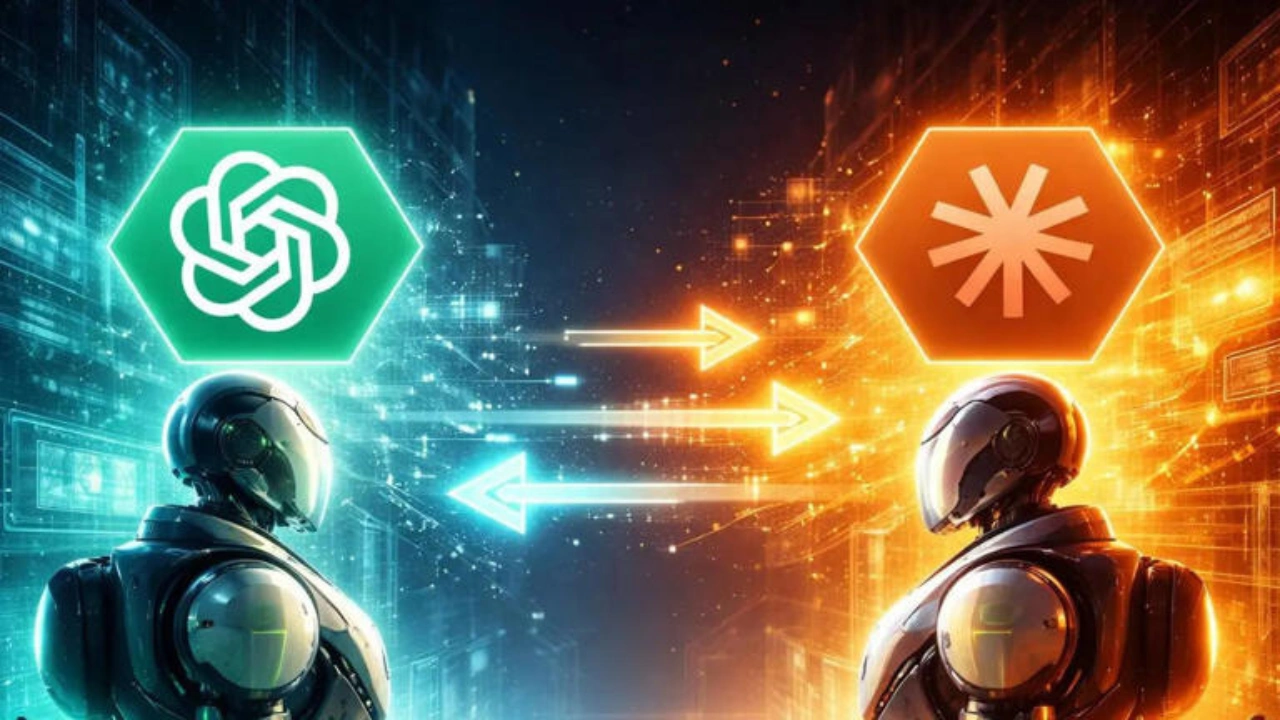
The competition in the artificial intelligence industry is heating up as tech companies race to dominate the rapidly expanding AI market. The rivalry between OpenAI and Anthropic has recently drawn significant attention after a series of developments involving government contracts, ethical concerns, and new product features.
One of the latest moves from Anthropic is aimed directly at users of competing AI platforms. The company has introduced a new feature that allows people to easily migrate their preferences and data from other AI chatbots, including ChatGPT, to its own AI assistant Claude.
The tool is designed to make the switching process simple and quick, allowing users to carry over their past context, preferences, and information without starting from scratch.
Growing Tension Between OpenAI and Anthropic
The latest development comes amid growing tensions between OpenAI and Anthropic, two of the most influential companies shaping the future of artificial intelligence.
Recently, Anthropic was reportedly close to securing a major agreement with the United States Department of Defense. However, the deal ultimately collapsed at the last moment.
According to Anthropic CEO Dario Amodei, the agreement fell apart because the government wanted access to Claude without its built-in safety guardrails.
Anthropic reportedly raised concerns that removing these safeguards could lead to misuse of the technology. The company feared that unrestricted AI systems might be deployed for purposes such as mass domestic surveillance or the development of autonomous weapons.
In a surprising twist, shortly after Anthropic walked away from the arrangement, OpenAI reportedly secured a similar agreement with the US government.
Debate Over AI Ethics and National Security
The development sparked a broader debate around the ethical use of artificial intelligence in military and security operations.
Emil Michael publicly criticised Amodei’s stance, accusing him of exaggerating the risks and potentially putting national security at risk.
Michael argued that the Pentagon had accepted safeguards, including human oversight over all weapons systems, and dismissed claims that the government wanted an entirely unrestricted AI system.
Meanwhile, OpenAI CEO Sam Altman clarified that his company does not allow its AI technologies to be used for domestic surveillance or fully autonomous weapons development.
Despite these assurances, the controversy has intensified the competition between the two companies and triggered conversations about the responsibilities of AI developers.
Claude Gains Popularity Among Users
Amid these developments, many users appear to be exploring alternatives in the AI chatbot space.
Anthropic’s Claude has gained popularity among professionals and researchers due to its strong performance in long-form reasoning, document analysis, and research tasks.
The company’s stance on AI safety has also resonated with a segment of users who prefer platforms that emphasise ethical considerations.
To further accelerate this shift, Anthropic has launched a feature that allows users to transfer their data and preferences from other AI platforms directly into Claude.
New Feature Makes Switching Easier
The new tool introduced by Anthropic simplifies the migration process for users moving from ChatGPT to Claude.
According to the company’s official website, the feature allows users to import their context and preferences with a simple copy-and-paste action. Once the data is transferred, Claude can immediately adapt and continue conversations while remembering the user’s preferences.
The company describes the feature as a way for users to “pick up right where they left off.”
How to Switch from ChatGPT to Claude
Users who want to migrate their data from ChatGPT can follow a few simple steps:
Step 1: Collect Your Preferences from ChatGPT
Open ChatGPT and go to Settings. From there, navigate to Personalisation and select the Memory section. Choose the Manage Memory option and copy the relevant preferences you want to transfer.
Step 2: Export Your Chat Data
Another option is to export your chat history. In ChatGPT, go to Settings, then select Data Controls, where you will find the Export Data option. This feature allows you to download your conversations and receive them via email.
Step 3: Upload the Data to Claude
Once you have the exported file or copied preferences, open Claude and upload the document into the chat interface.
Users can then type a prompt such as:
“Go through the file and remember my key preferences.”
Claude will analyse the information and incorporate the relevant context into future interactions.
Intensifying AI Competition
The artificial intelligence sector is currently witnessing fierce competition as companies race to build more capable and trustworthy AI systems.
With tools designed to simplify switching between platforms, companies like Anthropic are attempting to attract users who want flexibility and transparency in AI services.
As the rivalry between OpenAI and Anthropic continues to evolve, the outcome could significantly shape the future of how individuals, businesses, and governments use artificial intelligence.
About the Author